Assign Games to a Class
This feature is for SA, ML, MA, CA
Watch (about 50 s):
Games assigned to a class go to every student in that class.
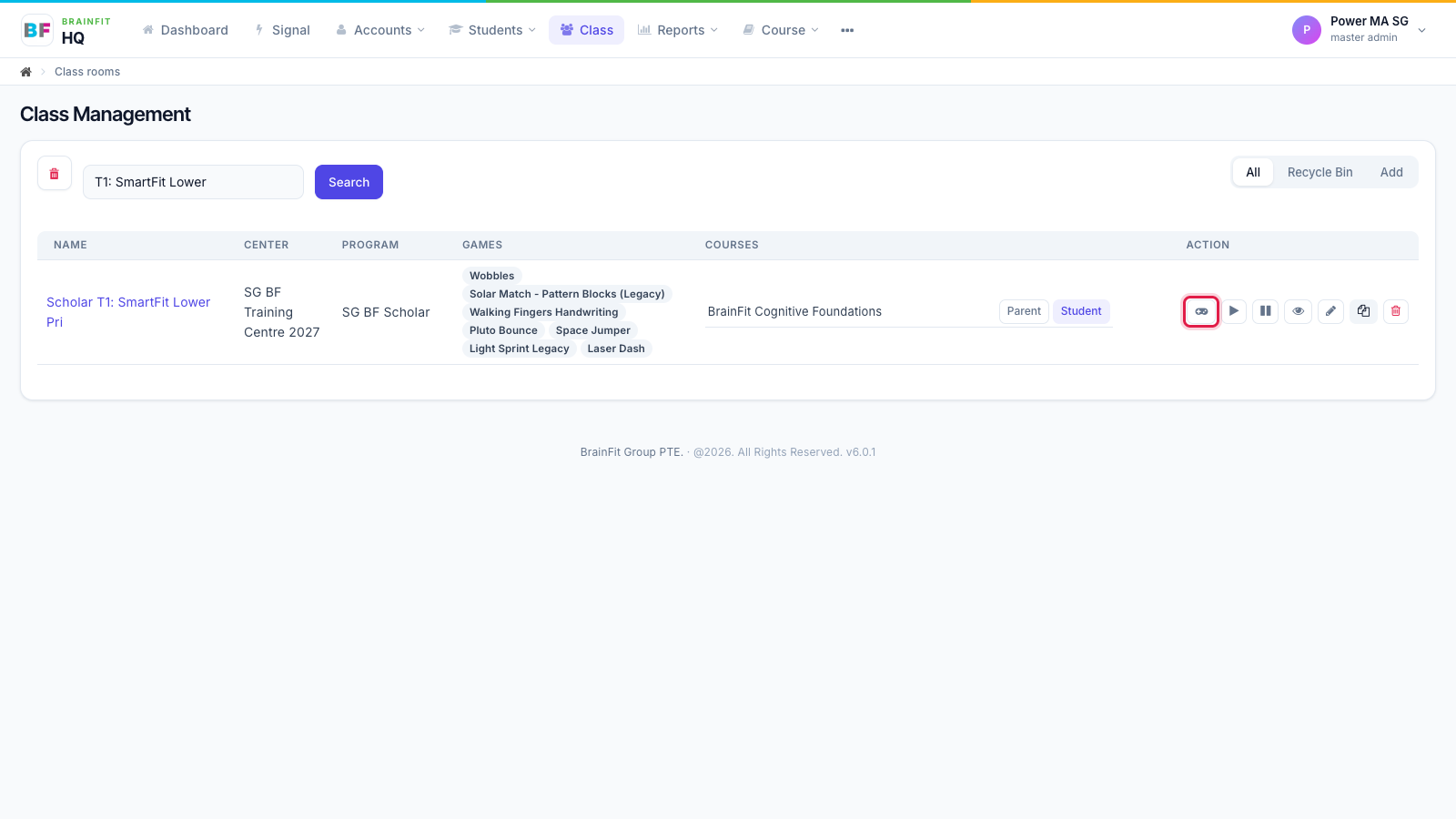
- In Class, click the gamepad icon on the class's row (or the gamepad on the class page).
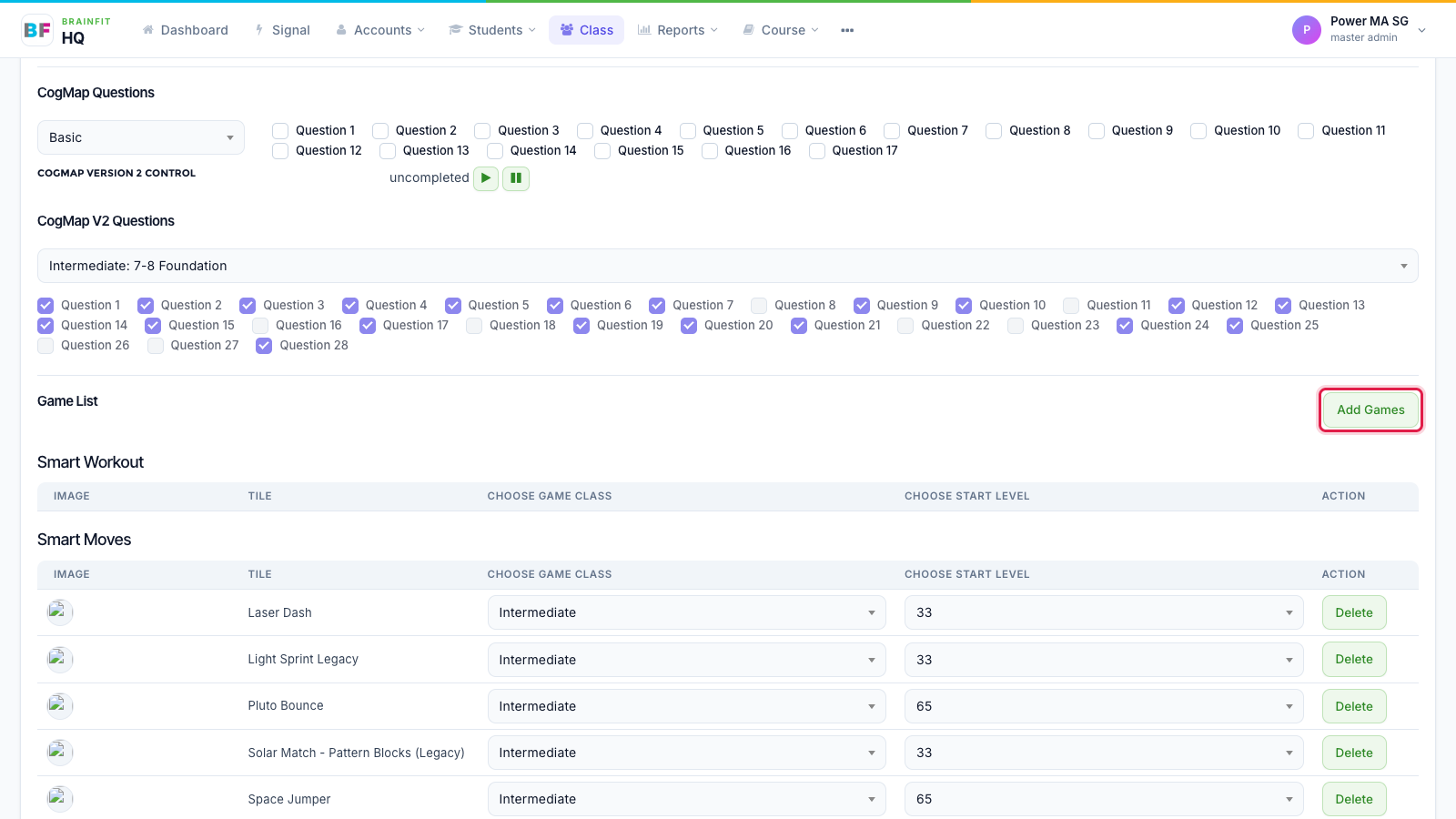
- On the class's Game config page, scroll to Game List and click Add Games.
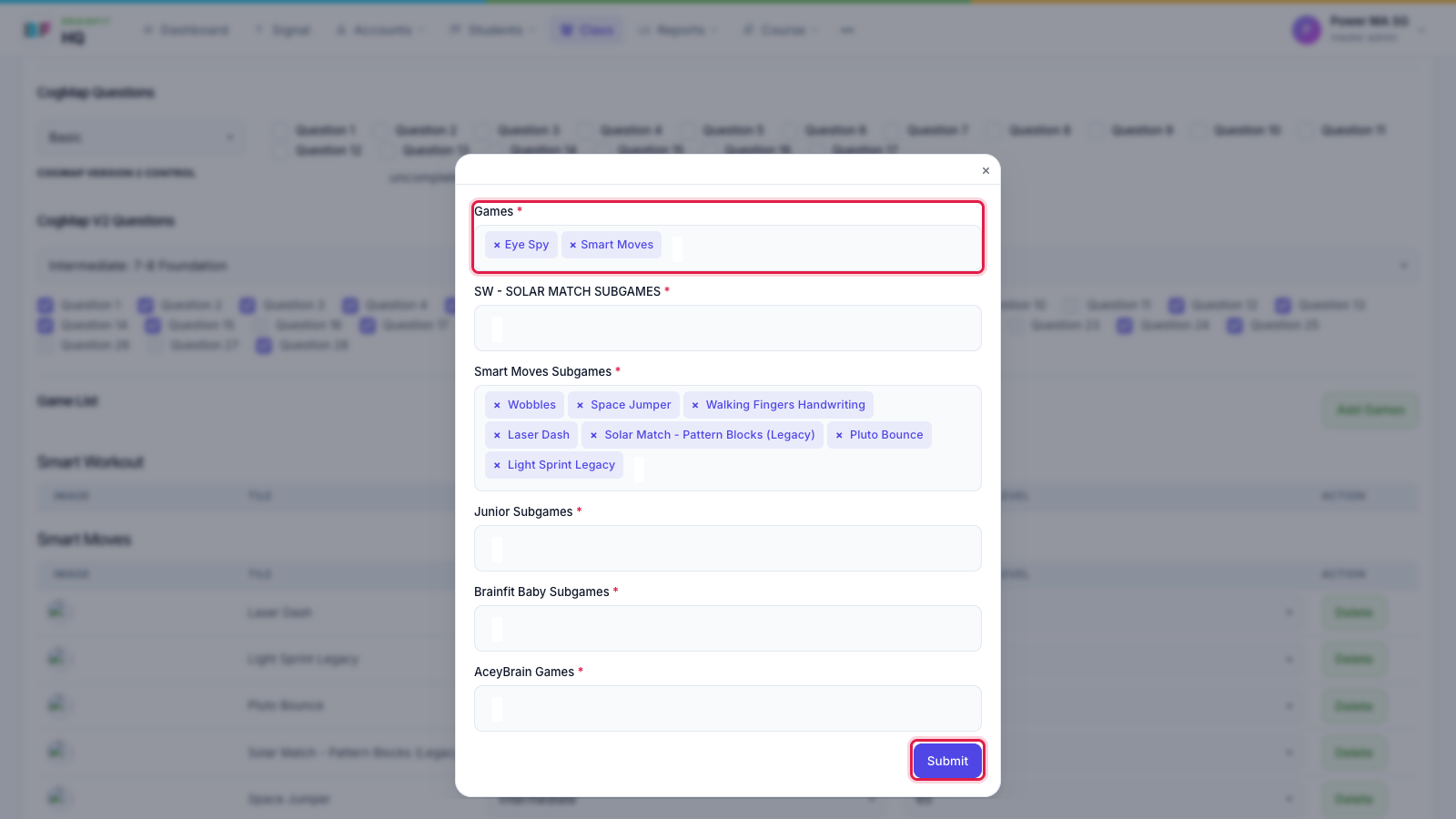
- The form shows all of the class's games: keep the ones already there, add the new ones (and their subgames), then click Submit.
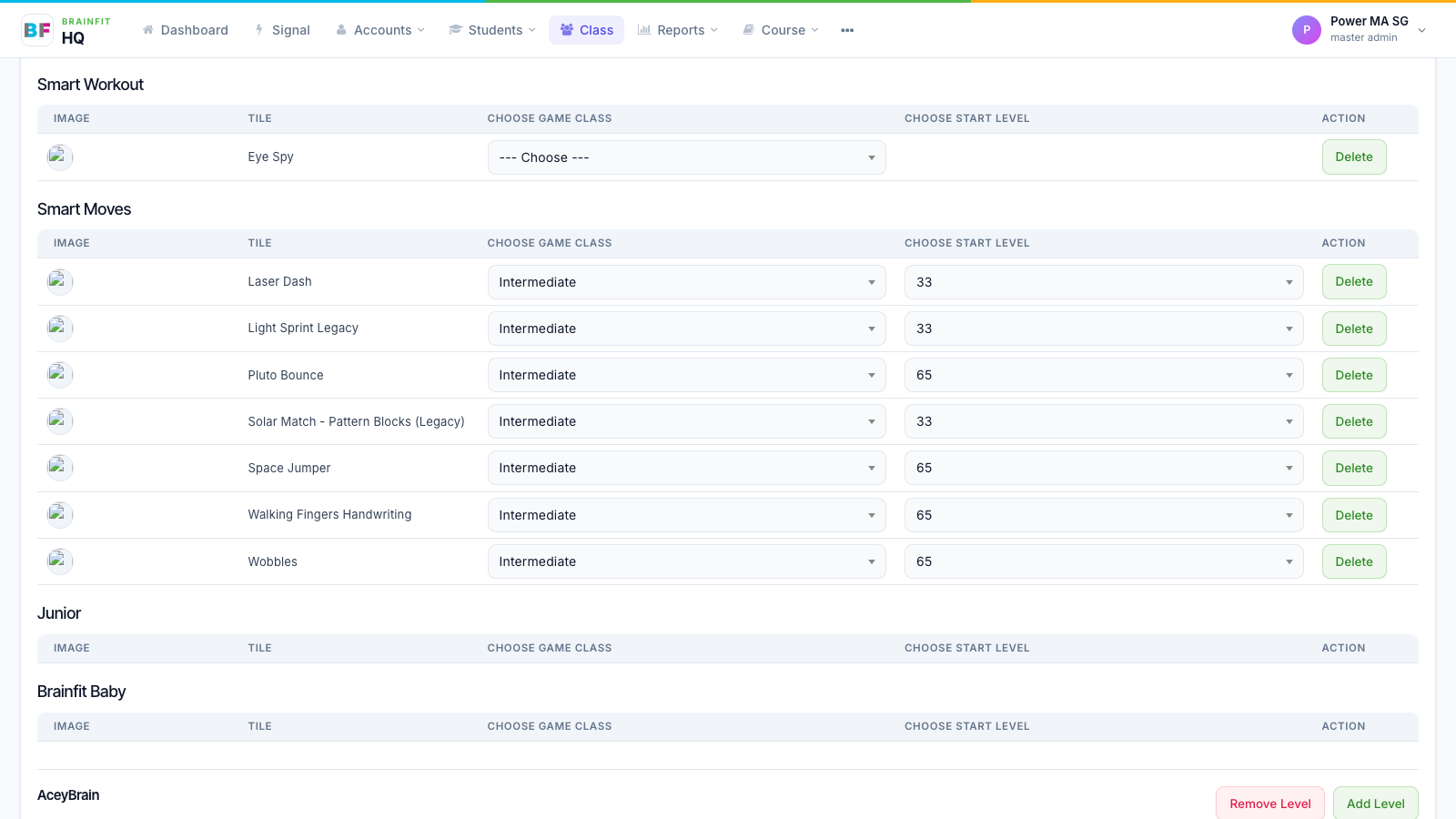
- The new game appears in its list. Choose the game class and start level for the class.
caution
Add Games saves the whole list. A game you remove from the form is taken off the class (and its students). Check the existing games are still selected before you click Submit.